

无需 GPU 服务器,借助 OpenRouter 零成本搭建自己的大模型助手
一、搭建自己的大模型助手
大型模型的出现为许多领域带来了革命性的变化,从自然语言处理到计算机视觉,甚至是医学和金融领域。然而,对于许多开发者来说,使用一些开源的模型进行实验和应用却是一个挑战,因为它们通常需要昂贵的硬件资源来运行。大多数情况下,使用这些模型需要拥有一台配备高性能GPU的服务器,而这往往是一项昂贵的投资。而 OpenRouter 为使用者提供了部分开源模型的实现,可以通过API免费使用,主要聚焦在7B规模大小的模型,比如谷歌的 gemma-7b ,Mistral AI 的 mistral-7b-instruct,一定程度避免了自己去部署大模型的成本。
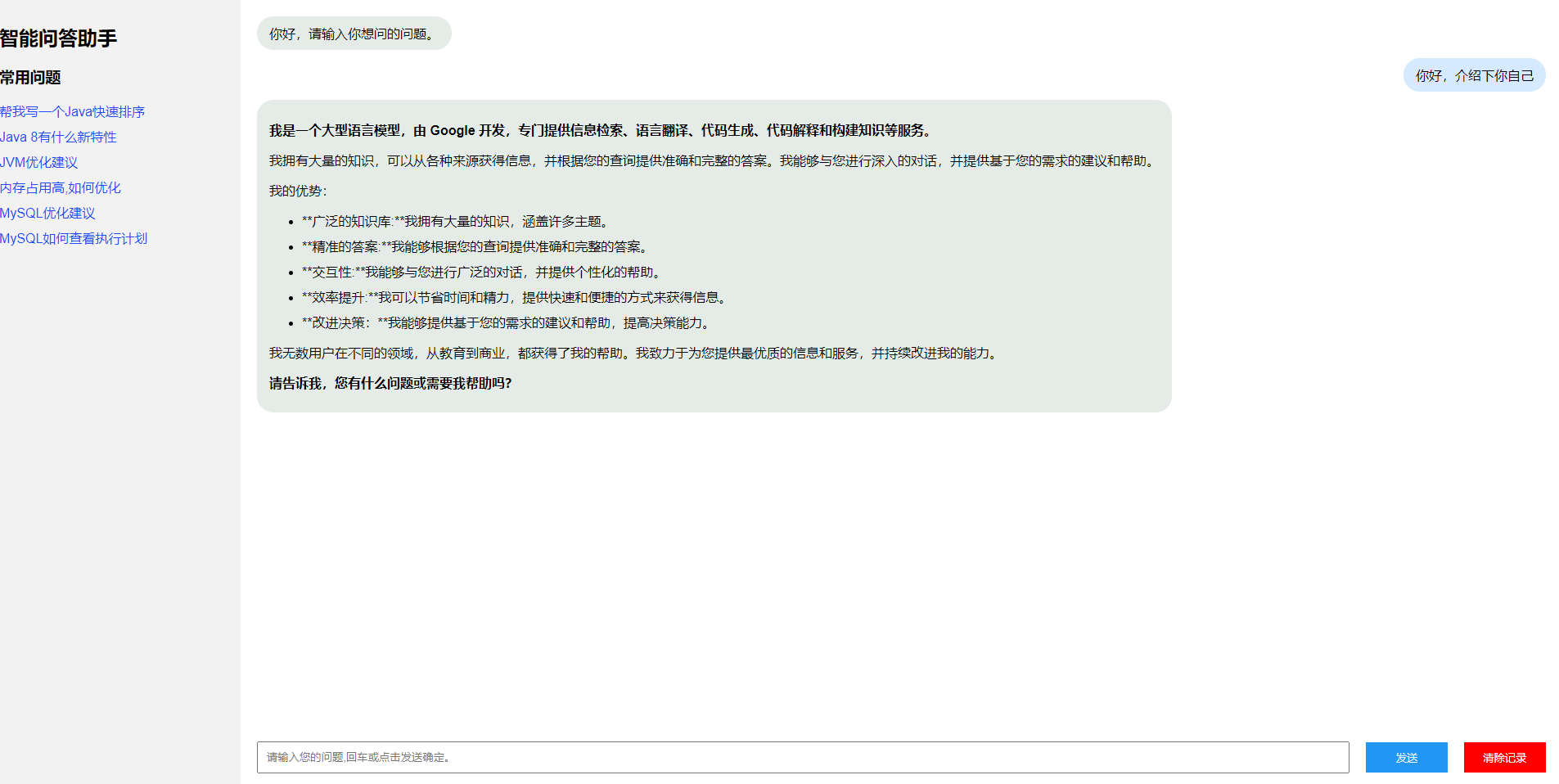
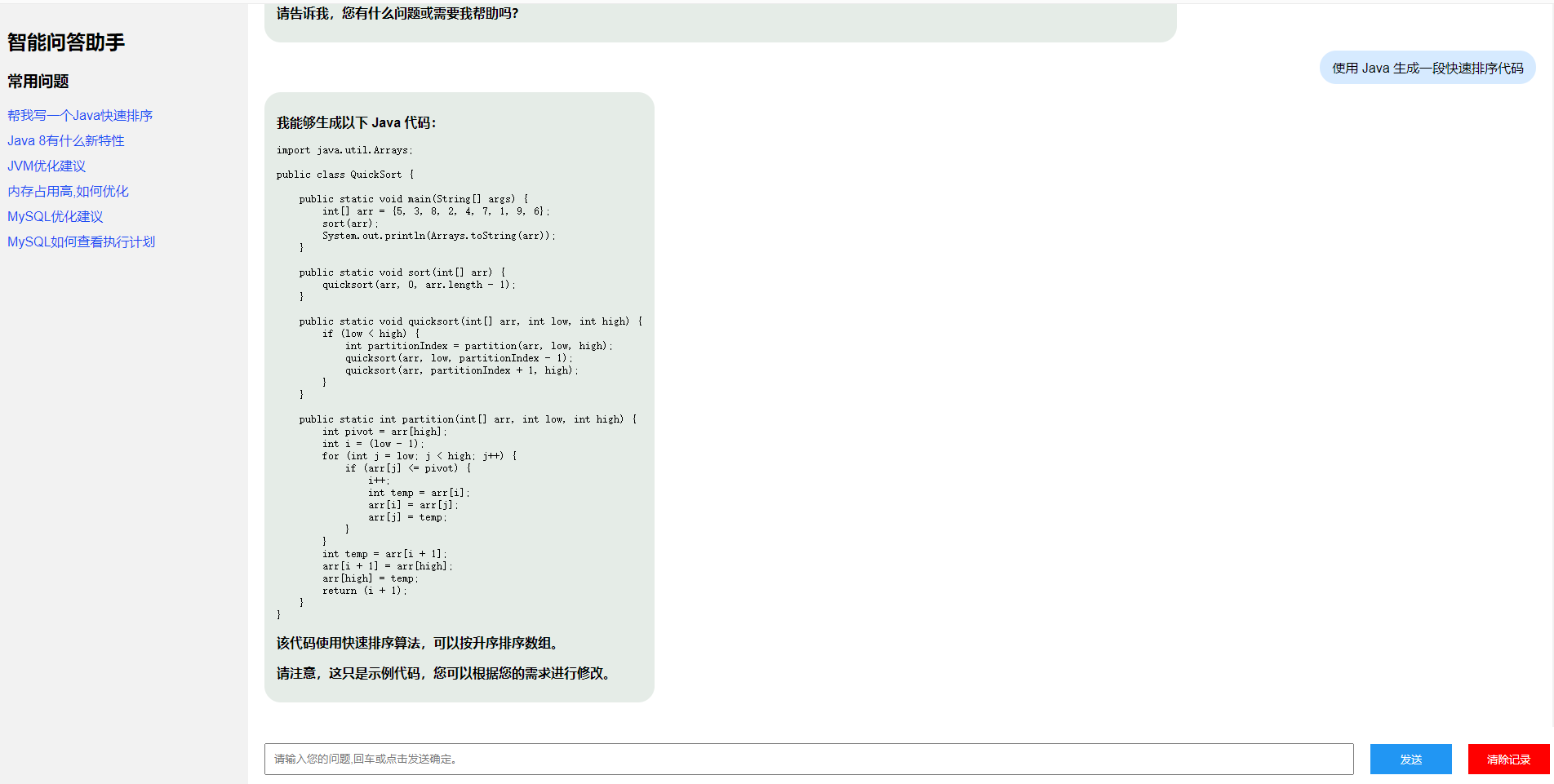
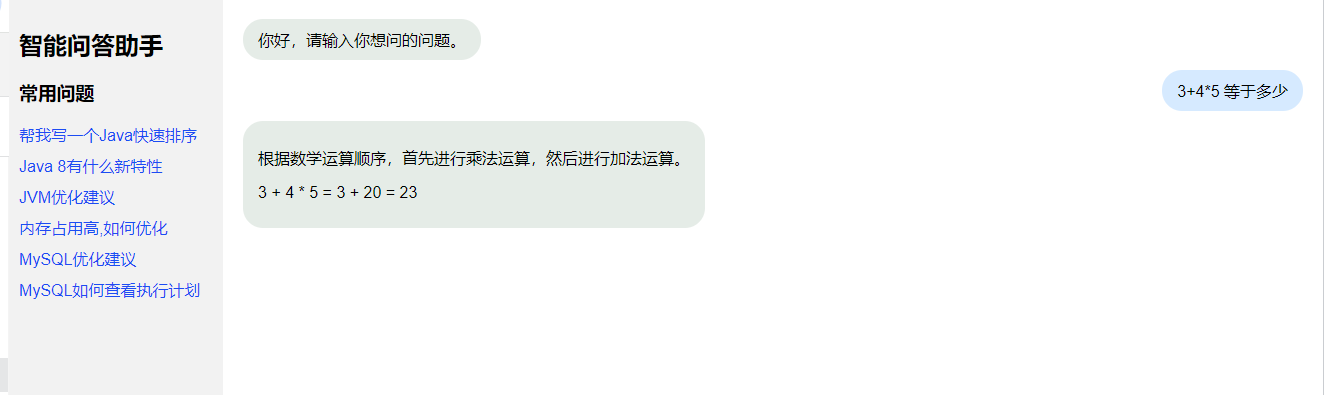
本文就基于 OpenRouter 中免费模型接口的能力,使用谷歌的 gemma-7b 模型,搭建自己的大模型助手,实现效果如下:
二、OpenRouter 使用
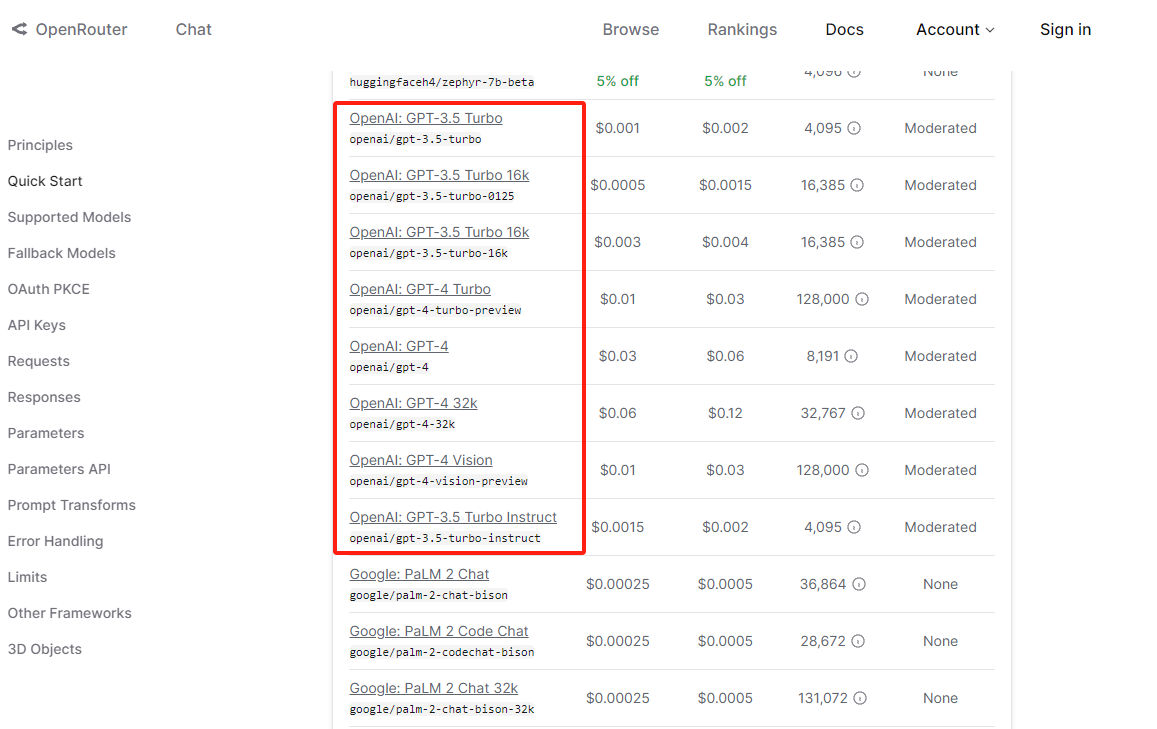
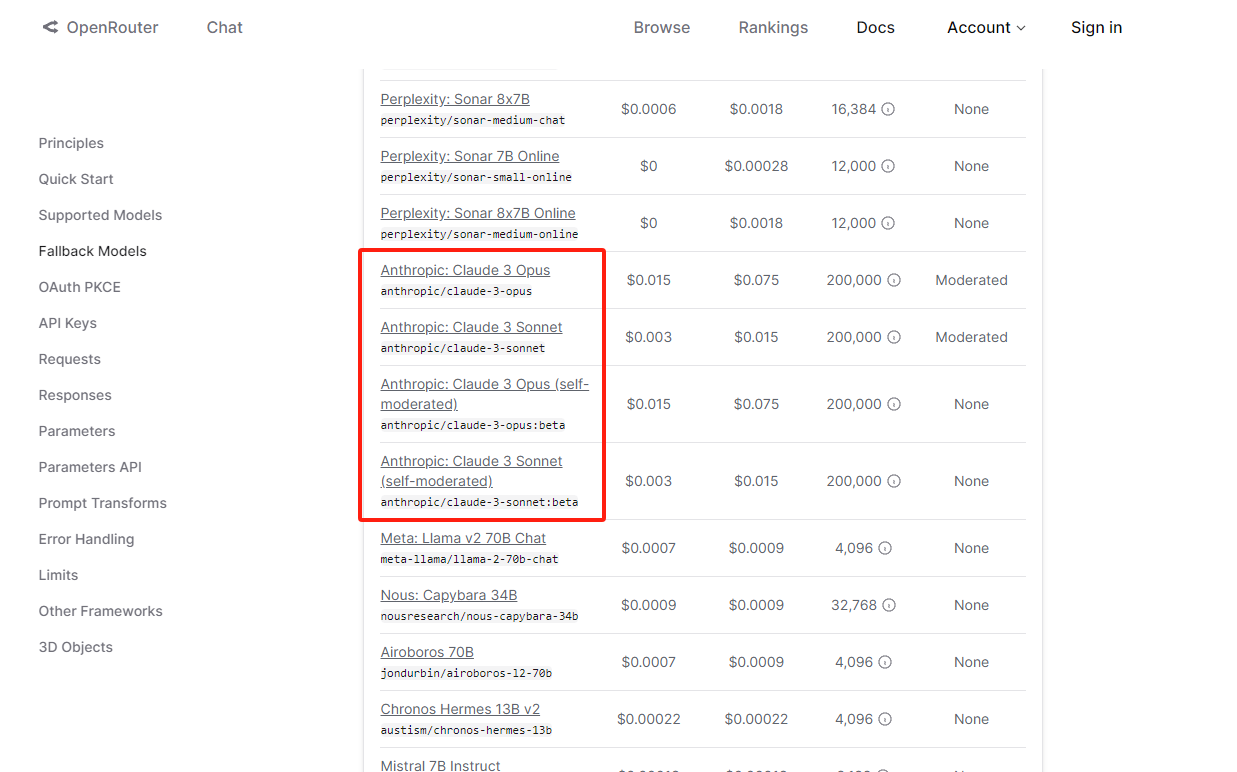
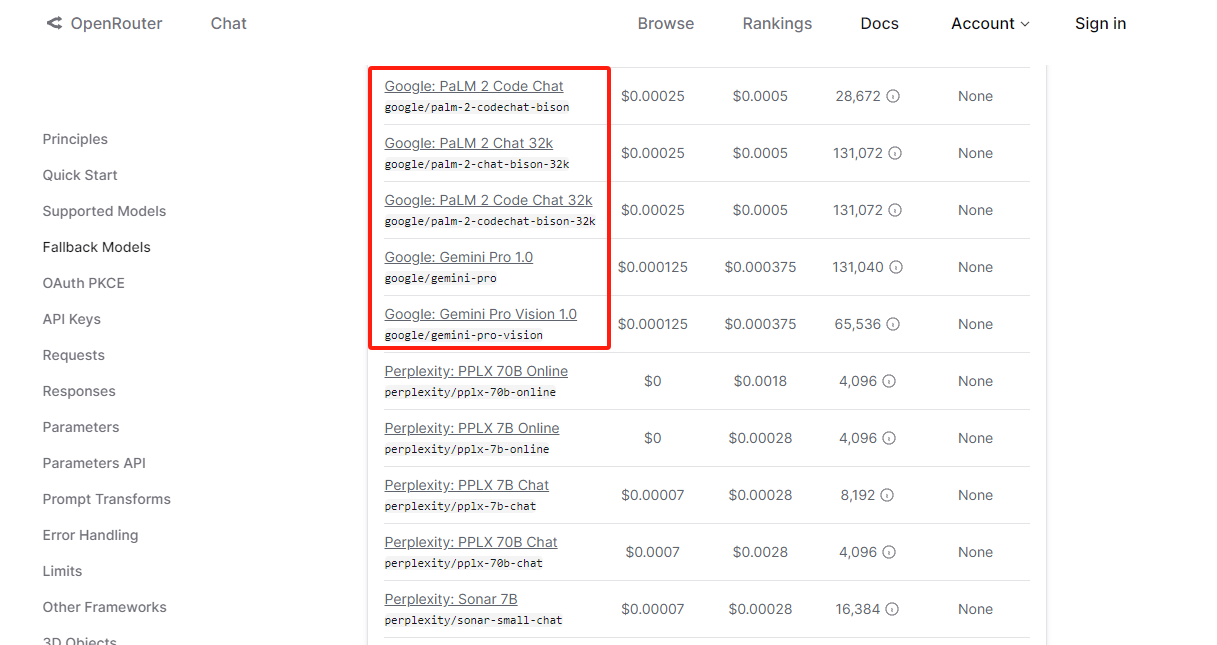
在实验前首先了解下 OpenRouter 是什么。OpenRouter 是一款整合了各类大模型的中间代理商,而且在国内无需梯子即可访问,通过 OpenRouter 可以调用超 100 种优秀的大模型,其中包括比较流行的 OpenAI 的 ChatGPT 系列(包括GPT4V),Anthropic 的 Claude 系列,谷歌的 PaLM 和 Gemini 系列等,而且更换模型仅需修改模型的名字即可,无需修改调用代码得逻辑:
官方地址如下:
https://openrouter.ai/
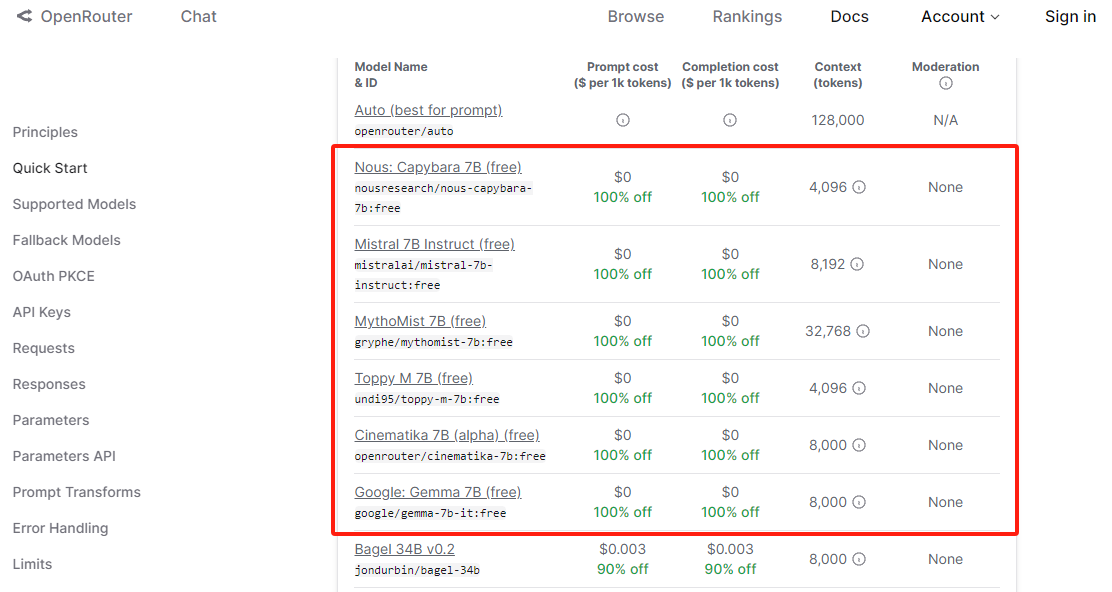
OpenRouter 没有对QQ邮箱做限制,支持 QQ 邮箱登录注册,一定程度上给国内的一些用户提供了便利,并且还免费提供了一批7B的模型,包括 nous-capybara-7b、mistral-7b-instruct、mythomist-7b、toppy-m-7b、cinematika-7b、gemma-7b-it:
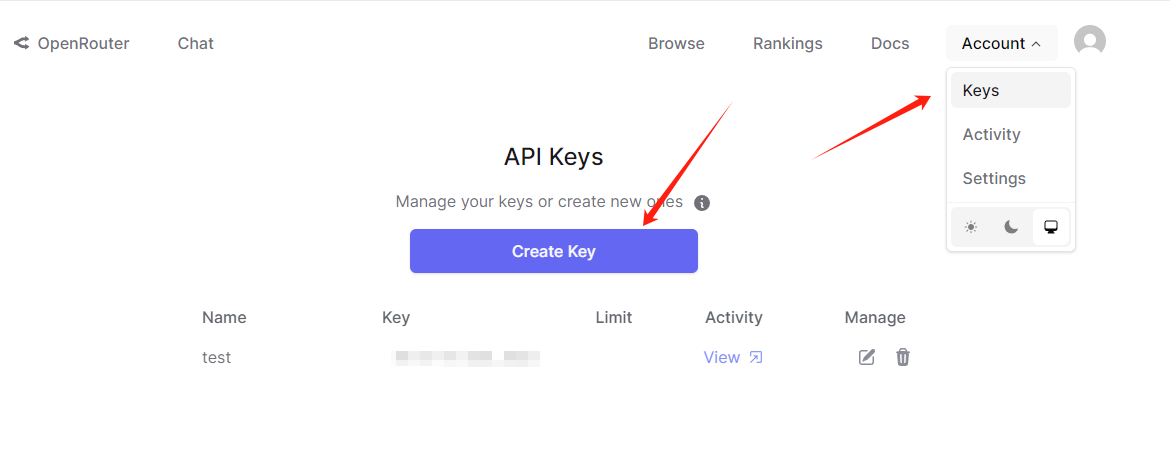
因此,当我们没有 GPU 服务器的时候,又想借助开源模型搭建一套自己的大模型助手时,就可以考虑使用 OpenRouter 了,注意使用前需要先注册账号,并生成 Api key:
OpenRouter 主要以 http 的交互方式,因此几乎可以使用任何支持 http 的语言和框架去调用 ,同时也支持通过 OpenAI 的 client.chat.completions.create 方式调用:
例如:使用 Python 语言 http 的方式,调用 gemma-7b 模型:
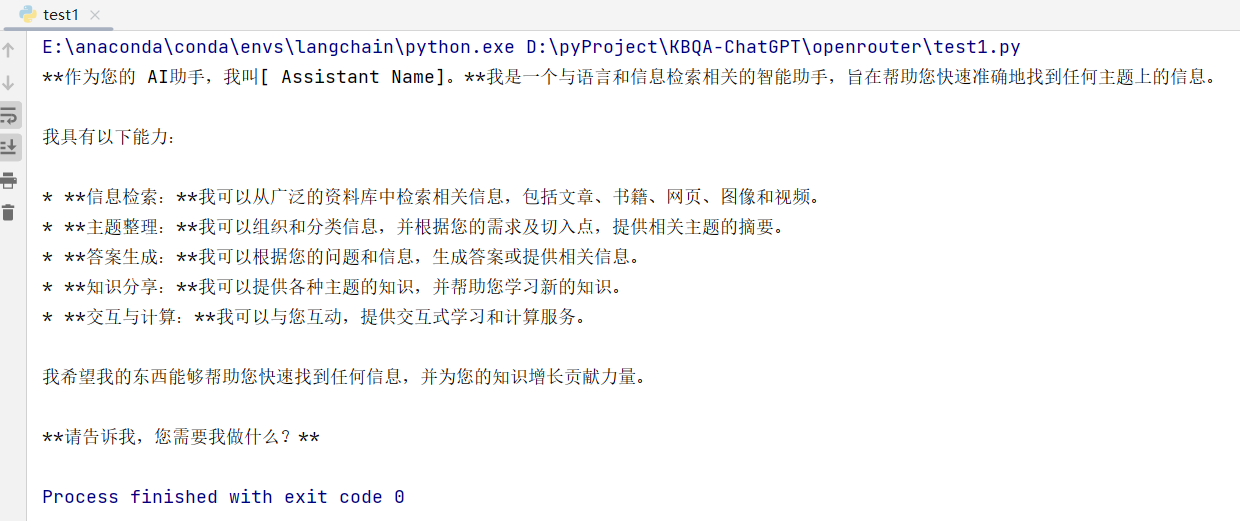
import requests import json url = "https://openrouter.ai/api/v1/chat/completions" model = "google/gemma-7b-it:free" request_headers = { "Authorization": "Bearer 你的api_key", "HTTP-Referer": "http://localhost:8088", "X-Title": "test" } default_prompt = "You are an AI assistant that helps people find information." def llm(user_prompt,system_prompt=default_prompt): messages = [ {"role": "system", "content": system_prompt}, {"role": "user", "content": user_prompt}, ] request_json = { "model": model, "messages": messages, "max_tokens": 2048 } respose = requests.request( url=url, method="POST", json=request_json, headers=request_headers ) return json.loads(respose.content.decode('utf-8'))['choices'][0]['message']['content'] if __name__ == '__main__': print(llm("你好,介绍一下你自己")) 运行输出:
使用 OpenAI 的 client.chat.completions.create 方式,调用 gemma-7b 模型:
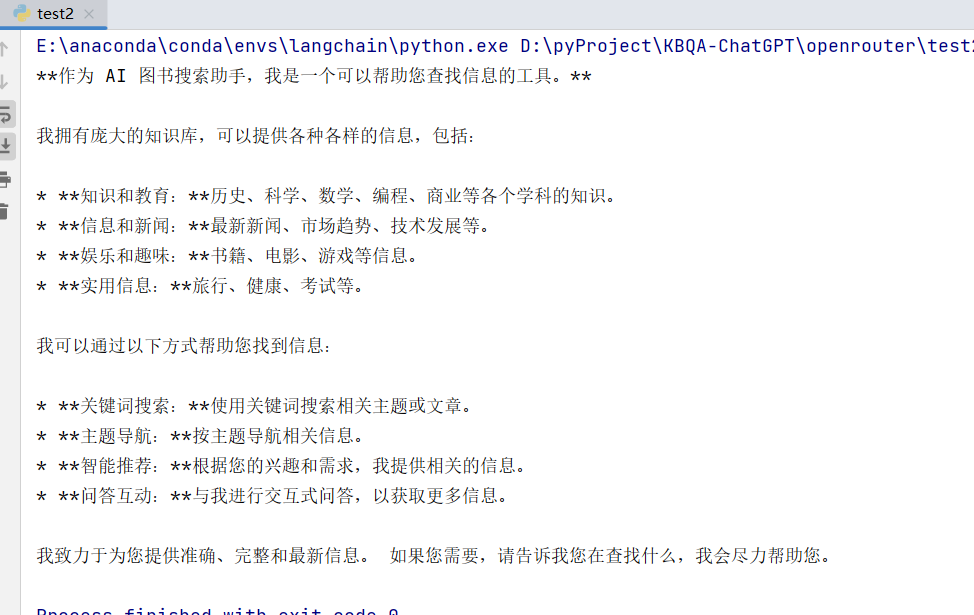
from openai import OpenAI model = "google/gemma-7b-it:free" default_prompt = "You are an AI assistant that helps people find information." client = OpenAI( base_url="https://openrouter.ai/api/v1", api_key="你的api_key", ) def llm(user_prompt, system_prompt=default_prompt): messages = [ {"role": "system", "content": system_prompt}, {"role": "user", "content": user_prompt}, ] completion = client.chat.completions.create( extra_headers={ "HTTP-Referer": "http://localhost:8088", "X-Title": "test", }, model=model, messages=messages, max_tokens = 2048 ) return completion.choices[0].message.content if __name__ == '__main__': print(llm("你好,介绍一下你自己")) 运行输出:
流式输出示例:
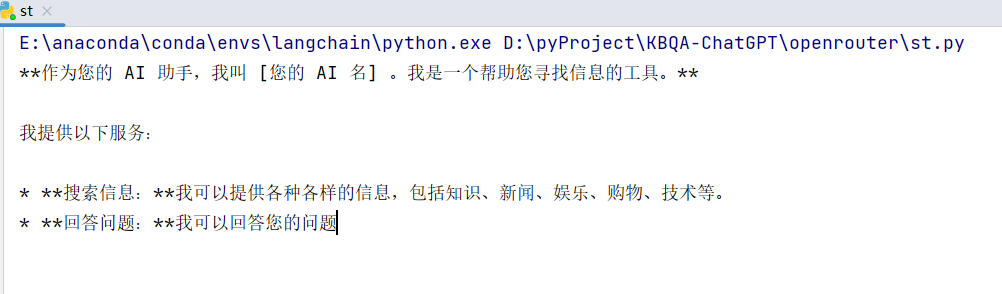
from openai import OpenAI model = "google/gemma-7b-it:free" default_prompt = "You are an AI assistant that helps people find information." client = OpenAI( base_url="https://openrouter.ai/api/v1", api_key="你的api_key", ) def llm(user_prompt, system_prompt=default_prompt): messages = [ {"role": "system", "content": system_prompt}, {"role": "user", "content": user_prompt}, ] completion = client.chat.completions.create( extra_headers={ "HTTP-Referer": "http://localhost:8088", "X-Title": "test", }, model=model, messages=messages, max_tokens = 2048, stream=True ) for respose in completion: if respose and respose.choices and len(respose.choices) > 0: msg = respose.choices[0].delta.content print(msg, end='', flush=True) if __name__ == '__main__': llm("你好,介绍一下你自己") 运行输出:
三、搭建大模型助手
上面简单认识了 OpenRouter 的能力,下面基于 OpenRouter 上谷歌的 gemma-7b 模型搭建一个自己的大模型助手,简单的执行过程如下。
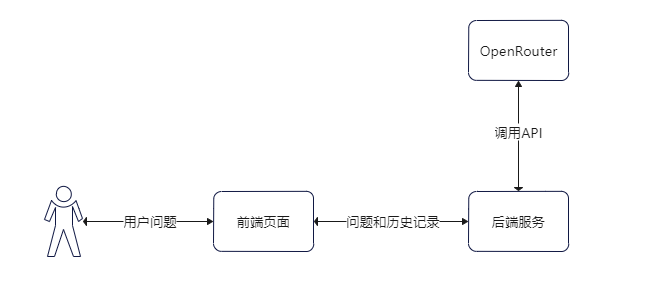
其中后端服务使用 Python + tornado 实现 Web 服务,前端使用基础的 Html + Jquery 的方式。
3.1 服务端搭建
所属依赖版本如下:
openai==0.27.8 tornado==6.3.2 构建问答助手接口 server.py :
接口我们接收两个参数 questions 和 history ,其中 history 由后端维护并追加聊天记录,前端只负责临时存储,每次请求携带上一次请求返回的 history 即可,调用 OpenRouter 使用 OpenAI 库的方式。
整体实现逻辑如下:
from tornado.concurrent import run_on_executor from tornado.web import RequestHandler import tornado.gen from openai import OpenAI import json class Assistant(RequestHandler): model = "google/gemma-7b-it:free" client = OpenAI( base_url="https://openrouter.ai/api/v1", api_key="你的api_key", ) default_prompt = "You are an AI assistant that helps people find information." def prepare(self): self.executor = self.application.pool def set_default_headers(self): self.set_header('Access-Control-Allow-Origin', "*") self.set_header('Access-Control-Allow-Headers', "Origin, X-Requested-With, Content-Type, Accept") self.set_header('Access-Control-Allow-Methods', "GET, POST, PUT, DELETE, OPTIONS") @tornado.gen.coroutine def post(self): json_data = json.loads(self.request.body) if 'questions' not in json_data or 'history' not in json_data: self.write({ "code": 400, "message": "缺少必填参数" }) return questions = json_data['questions'] history = json_data['history'] result = yield self.do_handler(questions, history) self.write(result) @run_on_executor def do_handler(self, questions, history): try: answer, history = self.llm(questions, history) return { "code": 200, "message": "success", "answer": answer, "history": history } except Exception as e: return { "code": 400, "message": str(e) } def llm(self, user_prompt, messages, system_prompt=default_prompt): if not messages: messages = [] messages.append({"role": "user", "content": user_prompt}) completion = self.client.chat.completions.create( extra_headers={ "HTTP-Referer": "http://localhost:8088", "X-Title": "test", }, model=self.model, messages=messages, max_tokens=2048 ) answer = completion.choices[0].message.content messages.append({"role": "assistant", "content": answer}) return answer, messages 路由配置,并启动服务 app.py :
import tornado.web import tornado.ioloop import tornado.httpserver import os from concurrent.futures.thread import ThreadPoolExecutor from server import Assistant ## 配置 class Config(): port = 8081 base_path = os.path.dirname(__file__) settings = { # "debug":True, # "autore load":True, "static_path": os.path.join(base_path, "resources/static"), "template_path": os.path.join(base_path, "resources/templates"), "autoescape": None } # 路由 class Application(tornado.web.Application): def __init__(self): handlers = [ ("/assistant", Assistant), ("/(.*)$", tornado.web.StaticFileHandler, { "path": os.path.join(Config.base_path, "resources/static"), "default_filename": "index.html" }) ] super(Application, self).__init__(handlers, **Config.settings) self.pool = ThreadPoolExecutor(10) if __name__ == '__main__': app = Application() httpserver = tornado.httpserver.HTTPServer(app) httpserver.listen(Config.port) print("start success", "prot = ", Config.port) print("http://localhost:" + str(Config.port) + "/") tornado.ioloop.IOLoop.current().start() 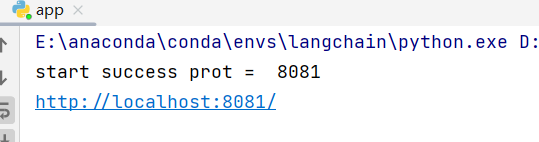
下面可以使用 Postman 进行测试:
请求内容:
{ "questions":"你好,介绍下你自己", "history":[] } 输出示例: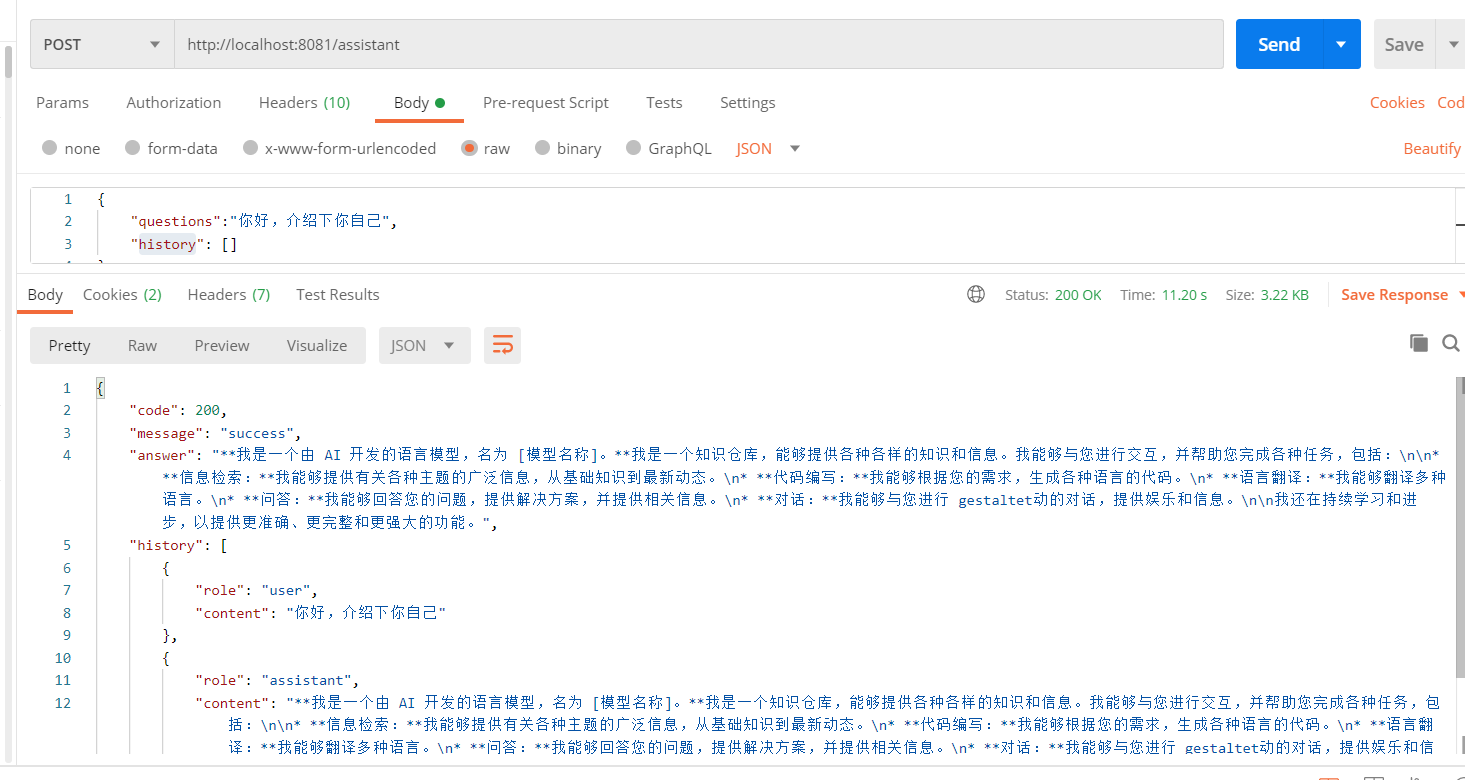
从结果看接口访问正常,下面开始前端的搭建。
3.2 前端搭建
前端需要构建一个问答聊天界面,需要注意的是,模型返回的内容可能是 MD 格式,前端需要解析成html 格式展示,整体实现过程如下:
AI 聊天对话 智能问答助手
常用问题
帮我写一个Java快速排序 Java 8有什么新特性 JVM优化建议 内存占用高,如何优化 MySQL优化建议 MySQL如何查看执行计划 运行效果:
到此,我们自己的大模型助手就基本做好了!